Wallets
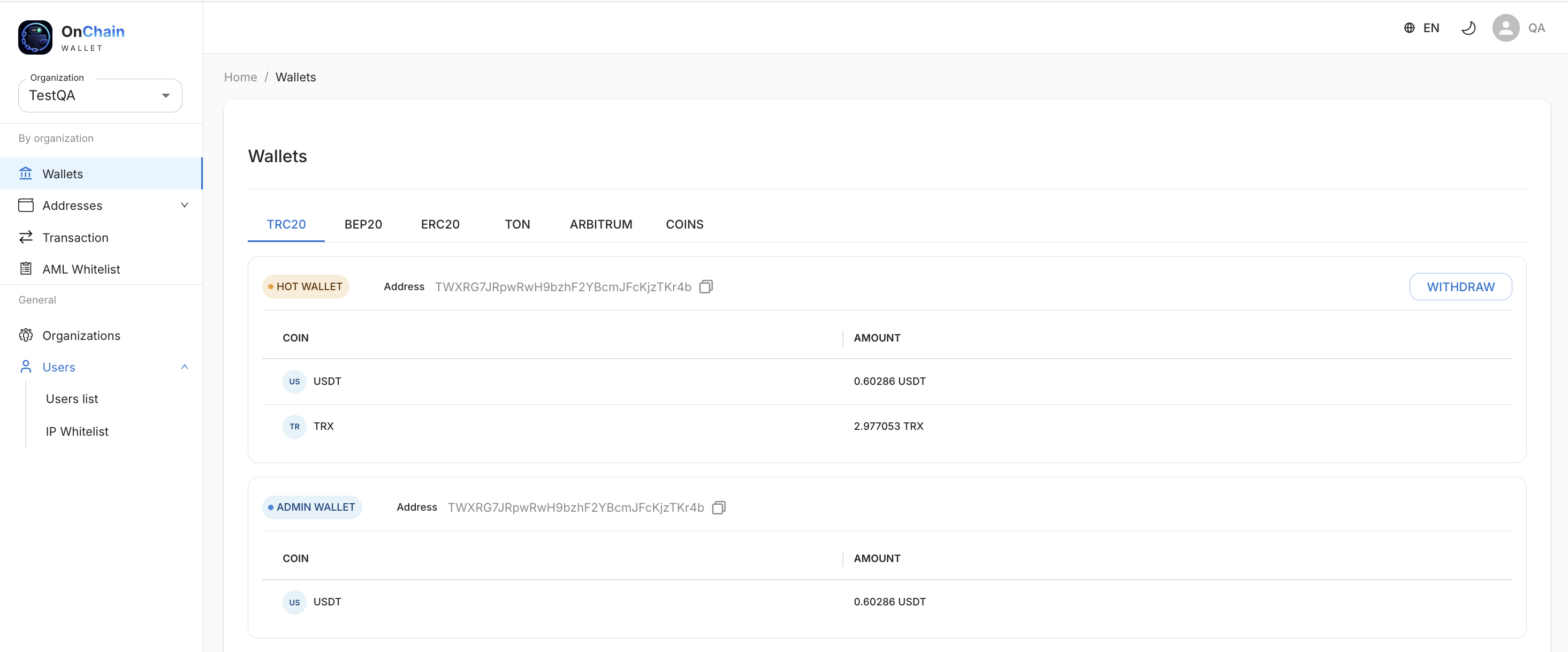
The Wallets section shows balances for the selected organization and lets you withdraw funds. Networks are shown as tabs (TRC20, BEP20, ERC20, TON, ARBITRUM, COINS).
Info
Wallets and the withdraw button appear for a specific network only if it is already configured (administrator address and hot wallet) or if Coins is configured.
Wallet types
- Hot wallet — used for withdrawals and fees. Shows the balance per network tokens and additionally the balance of the network's "native" coin (e.g. TRX on TRC20) needed to pay network fees.
- Admin wallet — your main address; funds from one-time addresses are collected here;
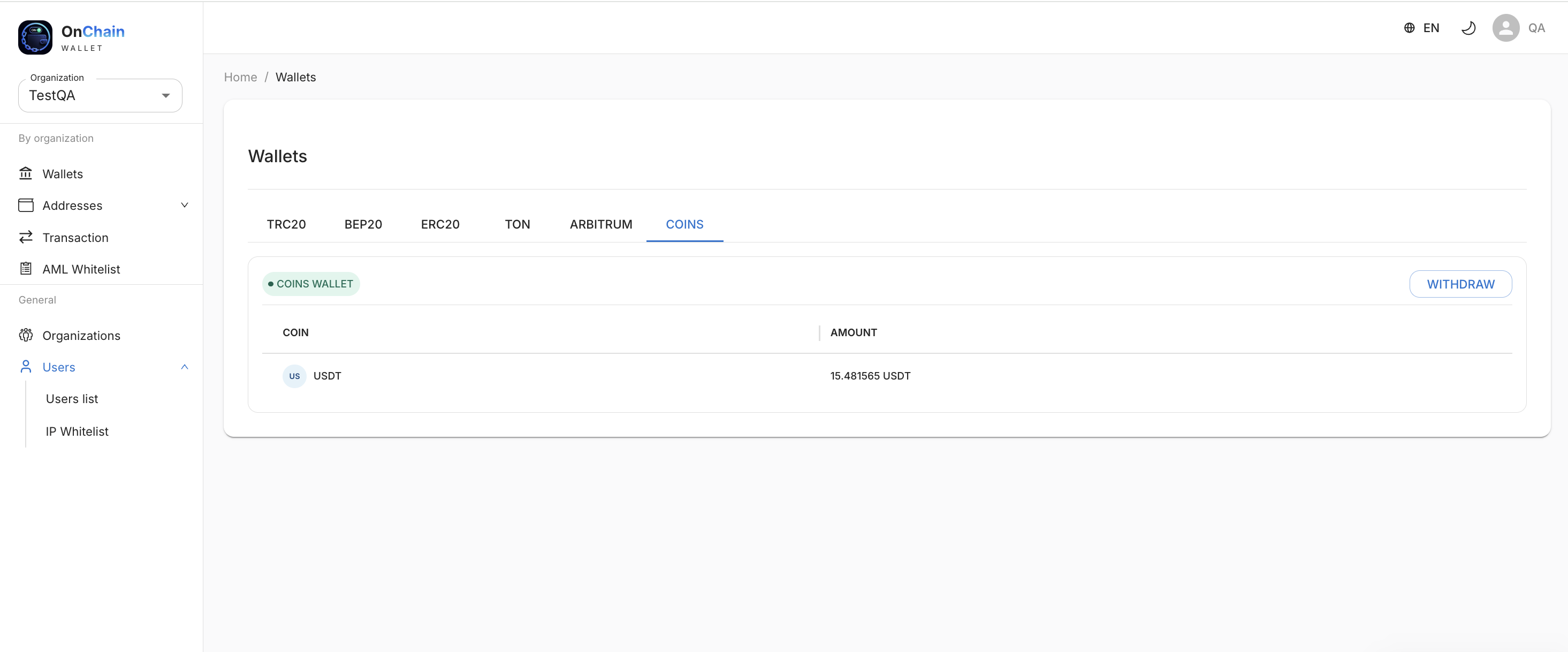
- Coins wallet — a single wallet via the hub; balance is shown in USDT.
Which coins are shown
| Network | Tokens |
|---|---|
| TRC20 | USDT (hot wallet also shows TRX) |
| BEP20 | USDT, USDC (hot wallet also shows BNB) |
| ERC20 | USDT, USDC, DAI, USDS, PYUSD (hot wallet also shows ETH) |
| Arbitrum | USDT, USDC (hot wallet also shows ETH) |
| TON | USDT (hot wallet also shows TON) |
| Coins | USDT (all deposits to the wallet are converted to USDT.) |
Info
For the TRC20 network, a small portion of the USDT balance is held as a technical reserve, so the amount available for withdrawal is slightly less than the full balance.
How to withdraw funds
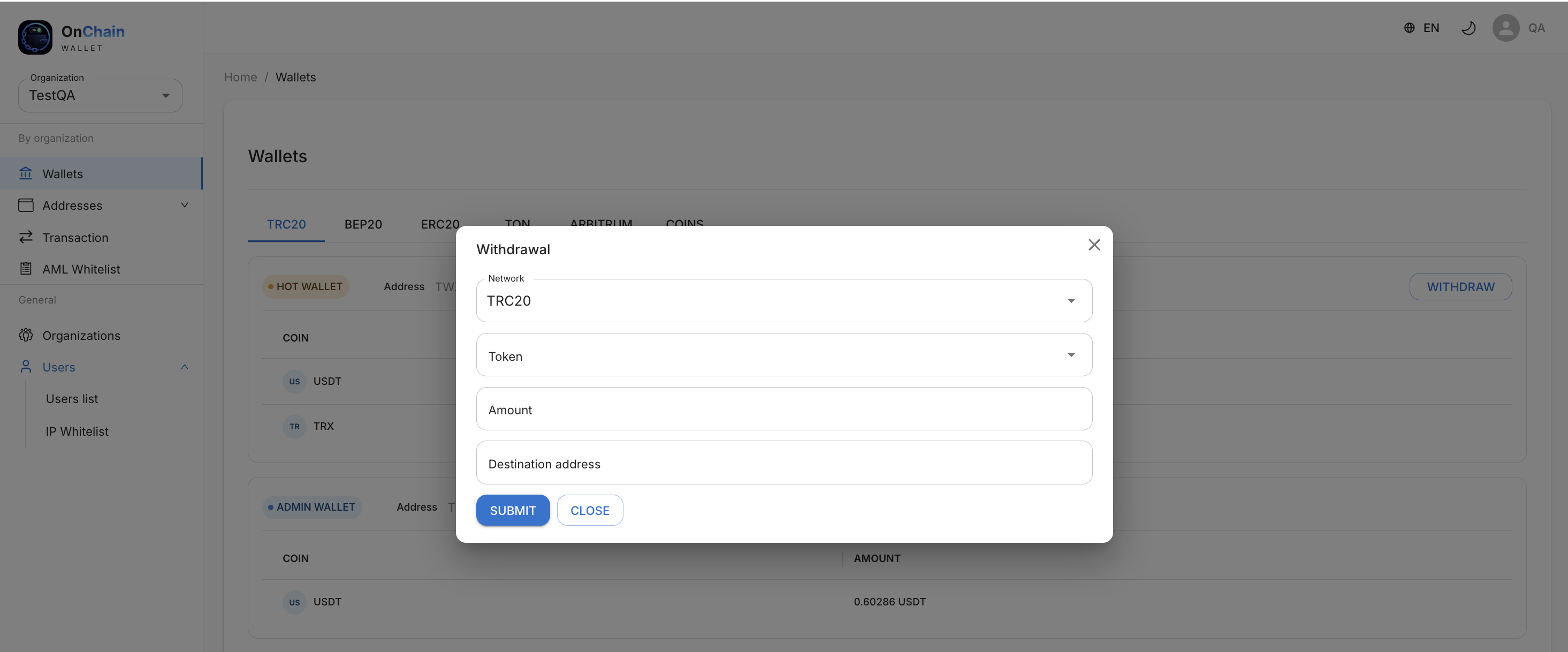
1) Click WITHDRAW on the required wallet.
2) In the form that opens, specify:
- coin (token);
- network — for the Coins wallet you must choose the destination network; for the hot wallet the network is already defined by the wallet itself;
- amount — greater than zero and within the available balance;
- destination address — validated against the selected network format;
- memo — required for networks that need it (e.g. TON).
3) Confirm the withdrawal.
After submission, the withdrawal appears in Transactions.
Info
An API payout spends the virtual USDT balance (Coins) when the request includes
that deposit's source_order_id, or when the payout ticker is not a hot-wallet
stable. A hot-wallet stable without source_order_id stays on-chain from the hot
wallet. The withdrawal body does not need type=COINS.
Warning
Addresses are validated by network format: TRC20 — starts with T; ERC20/BEP20 —
starts with 0x; TON — starts with EQ or UQ. Enter the address for the network
you selected, otherwise funds may be lost.